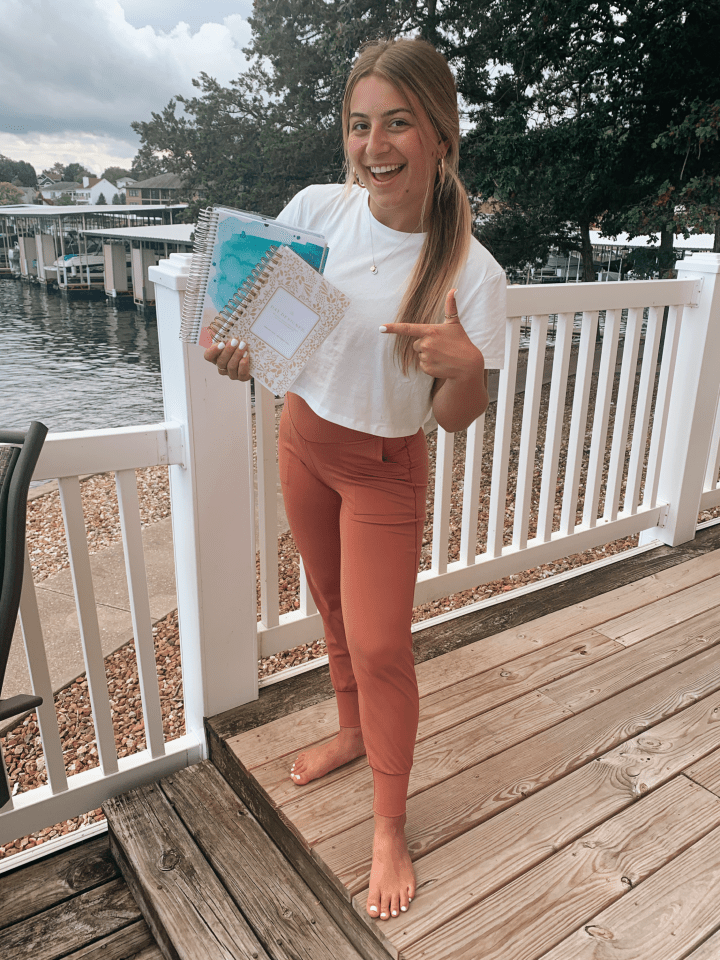
Staying organized during the school year is SO important. It can get difficult juggling your school work, social life and possible work schedule, so I thought I’d share some of my tips & tricks for staying organized at school. Disclaimer: I am what some might call “extra” when it comes to organizing my schedule, so feel free to modify any of my steps!
Step 1: Purchase both a social and academic planner
I like to have separate planners, because my school work takes up the majority of my planner leaving no room for my social/ work commitments. Having them separated makes checking your planner 10x easier. When picking out what planner best suits you, its important to be picky. Check out what features the planner has and decide what you’re looking for. Does it have a full month layout? Individual day planning? Hour by hour scheduling?
My Recommendations
- Academic: Erin Condren Academic Planner
Can be found in most university bookstores or online.

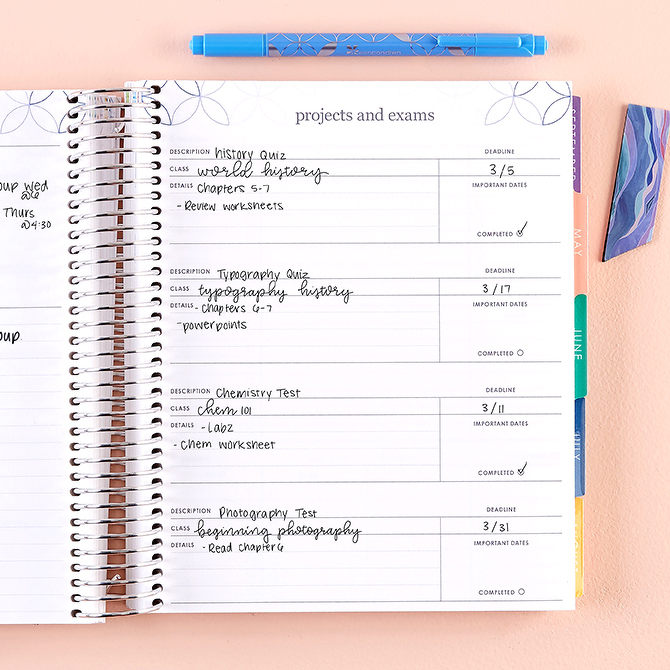
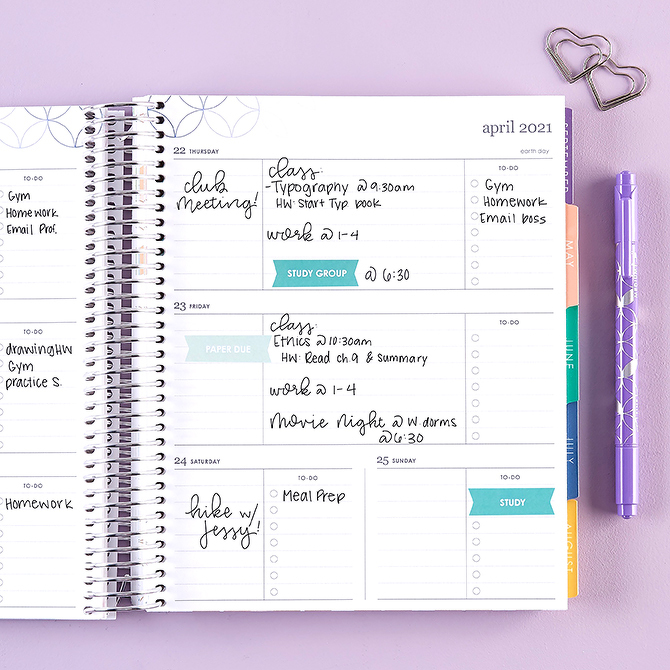
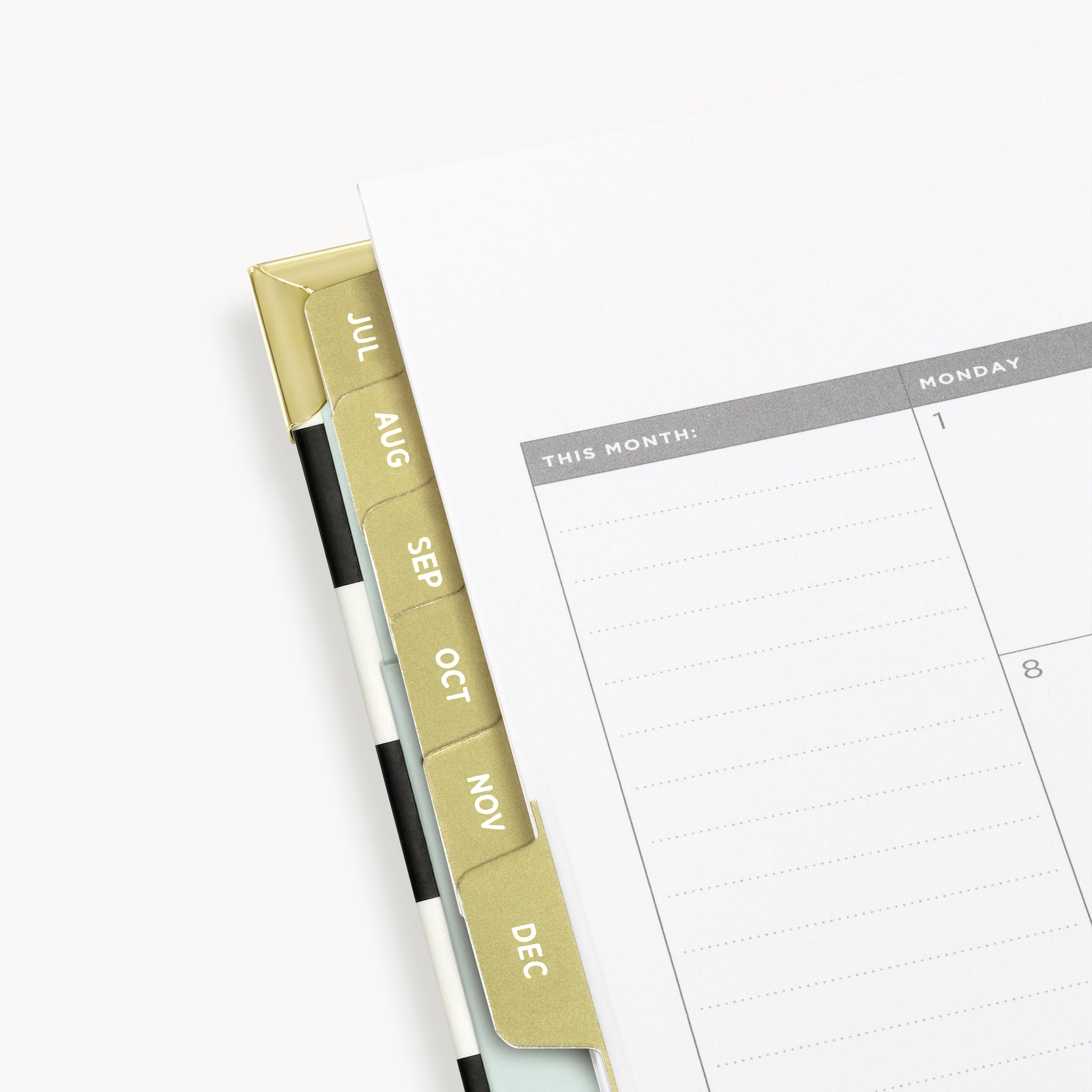
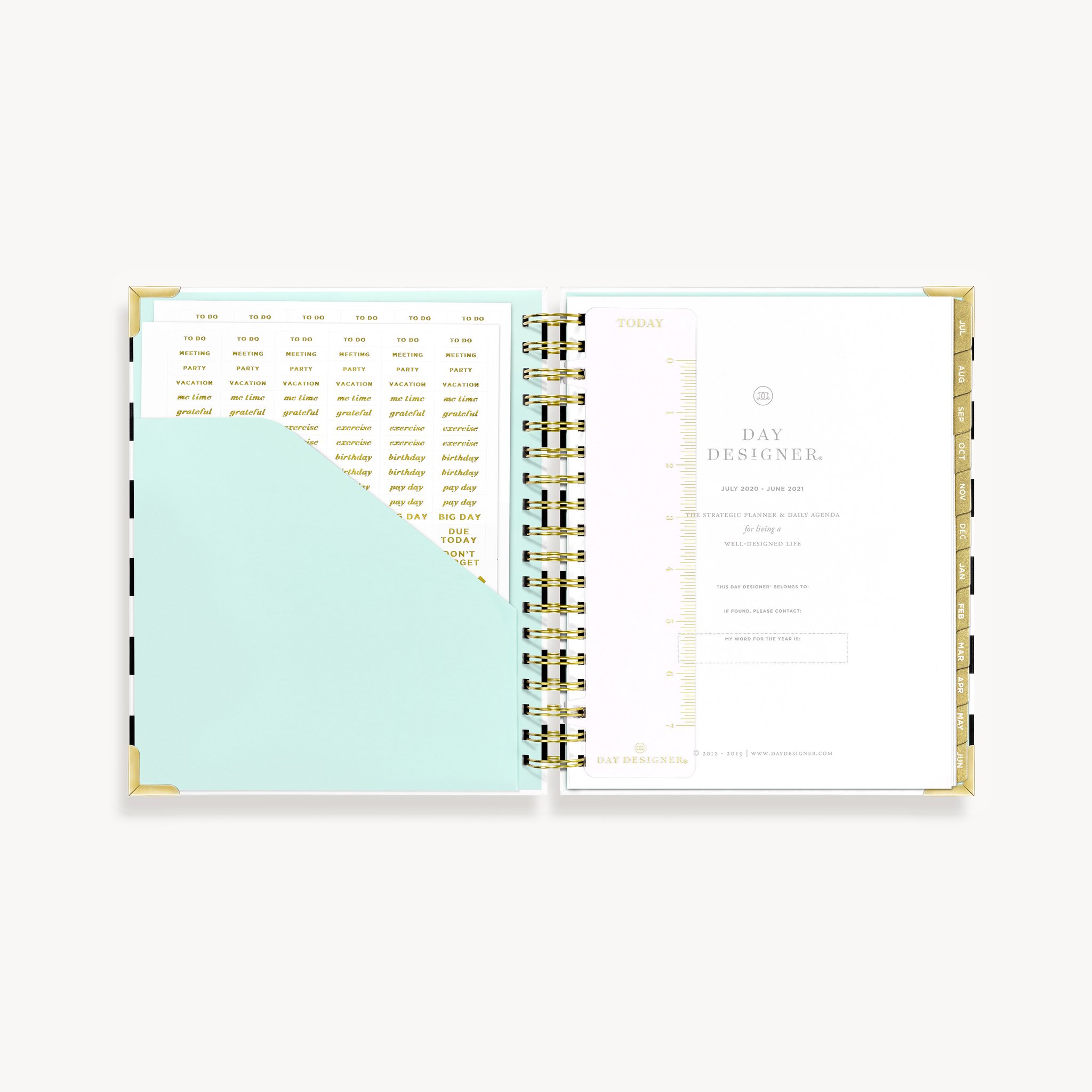
- Social: Day Designer Daily Planner
Can be found at Target or purchased online.
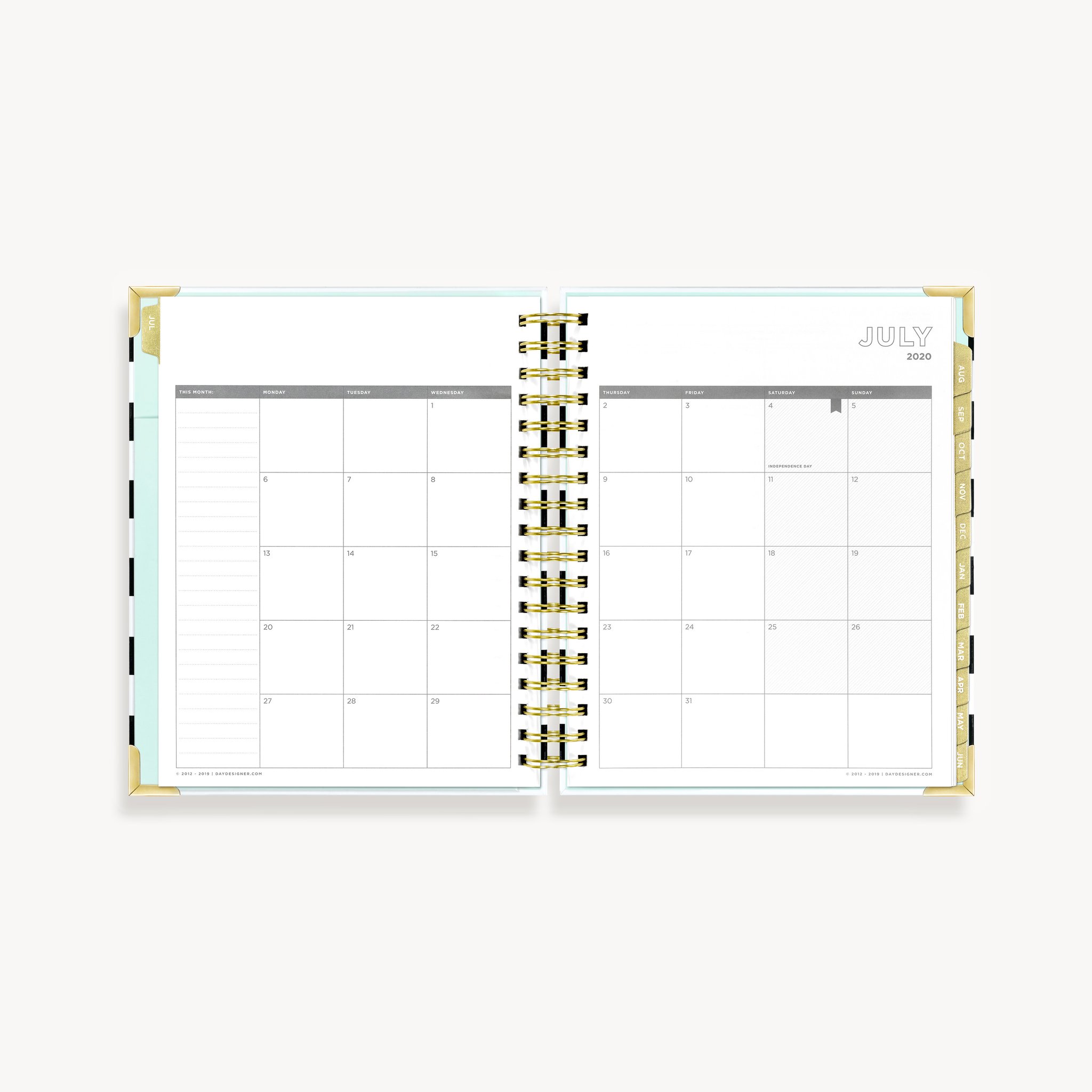
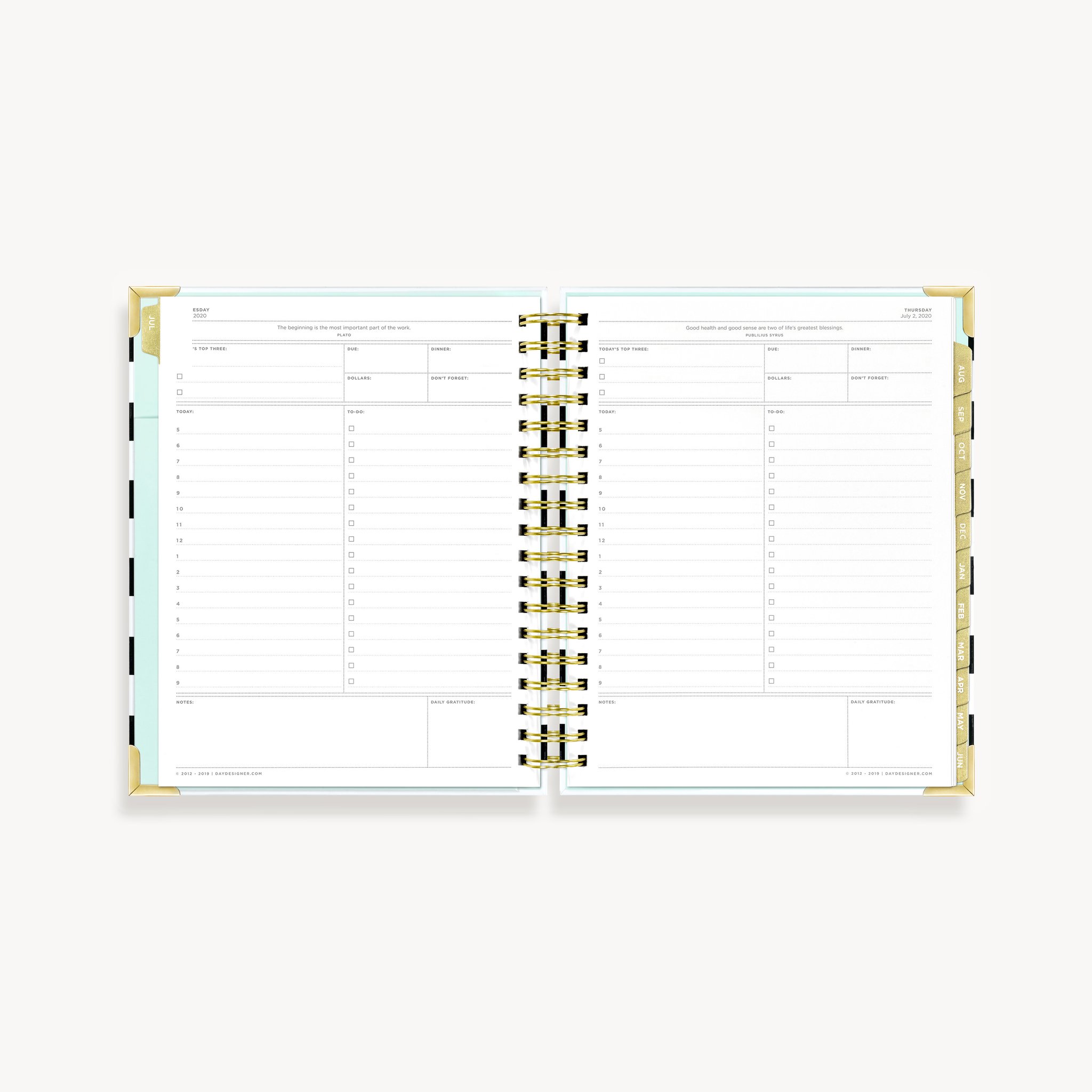
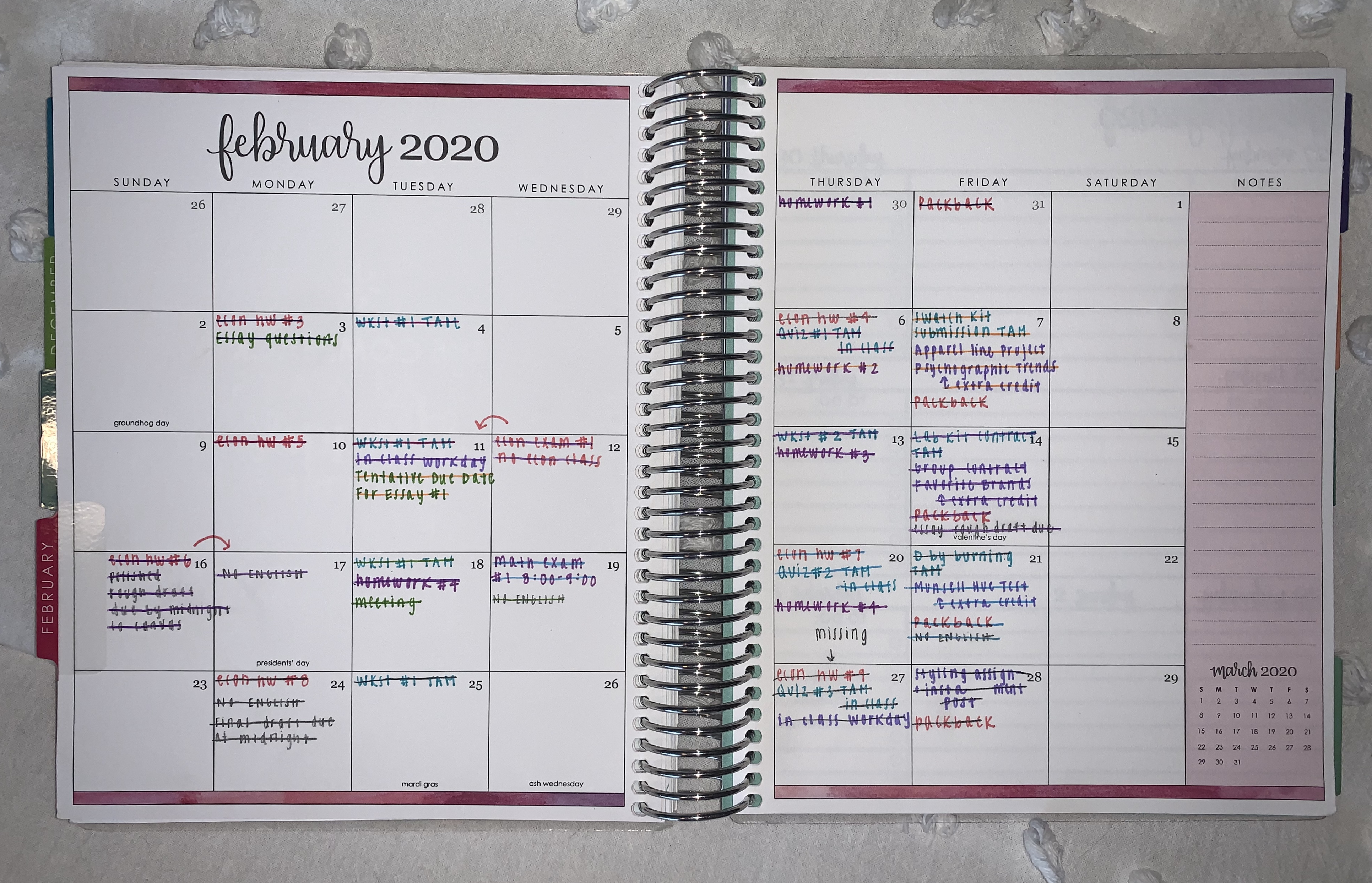
Step 2: Write down EVERYTHING
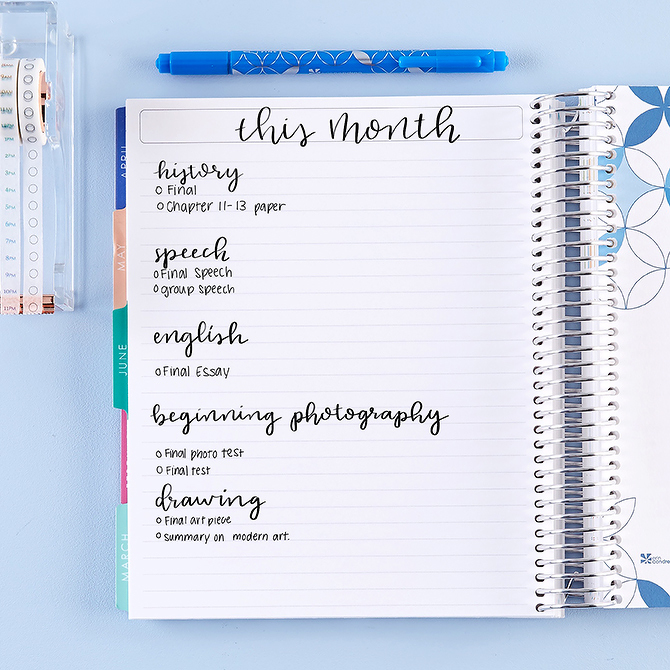
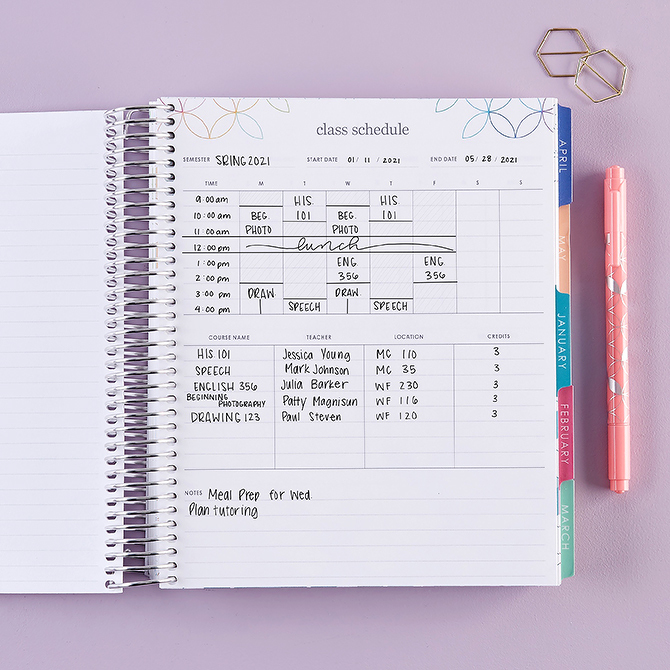
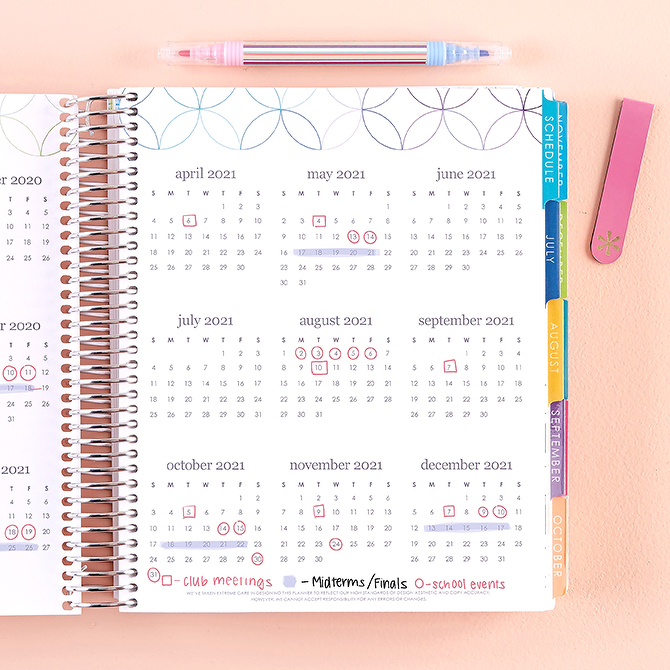
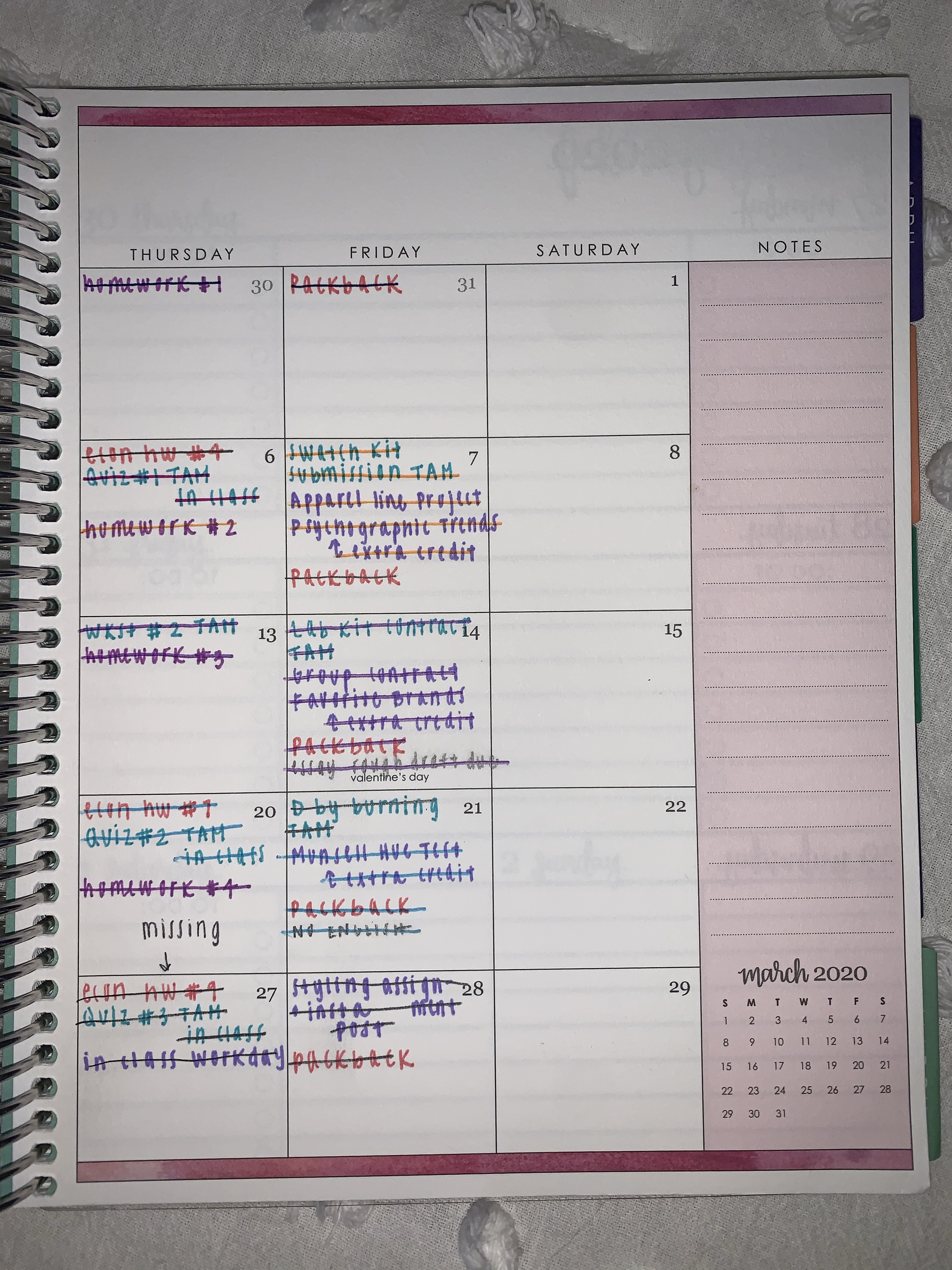
Here are some shots of my academic planner from this past February. One of my favorite tips is color coordinating your assignments by class. For example, in the pictures you can see that all of my Economics assignments are written in pink. Color Coordinating makes reading your monthly to-dos more efficient.
As soon as I receive the class schedule/ syllabus I write down every assignment/ due date, so that I am always aware of what’s ahead. *You need to check your teachers due dates periodically in case of last minute adjustments*
Always cross off your completed assignments so you know what you have left for the week (& because it makes you feel accomplished).
Step 3: Electronic Reminders
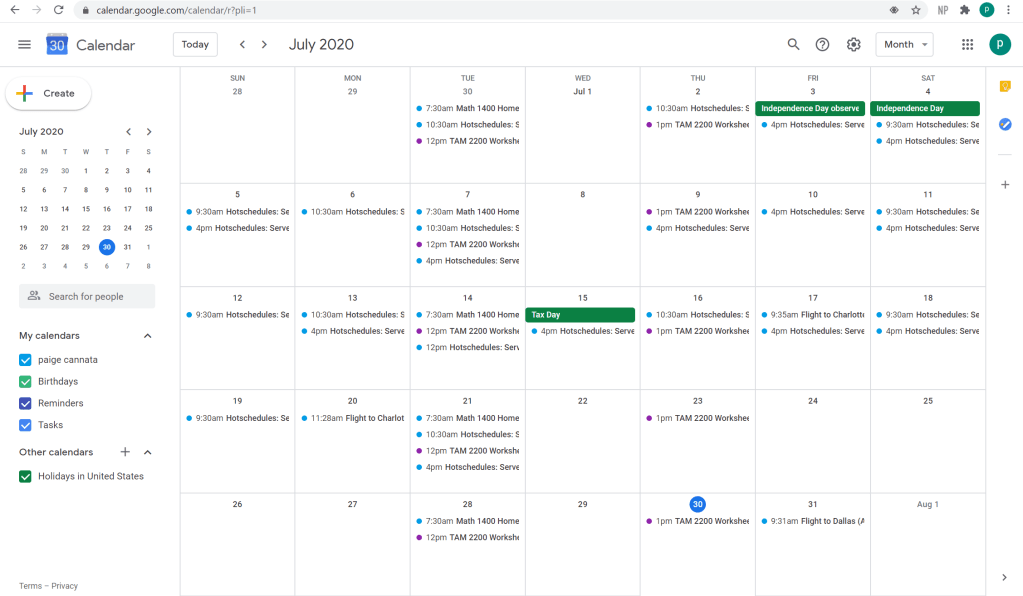
Using electronic reminders on top of paper planning is always a good idea! I use Reminders on my IPhone for high-point assignments/ projects, and Google Calendar for mandatory social/ work commitments. All that is doing is backing up your self-scheduling and keeping you on top of your obligations if you forget. Here is a screenshot of my google calendar for the month of July. As you can see, I have my work shifts, summer assignments and important social events (flights). Tip: using gmail automatically adds any scheduling to your google calendar!
 Paige Marie